
A good website design brief tells the designer what the site must achieve, who it’s for, what it needs to do and what you can spend. It doesn’t need to be long or technical. Two or three pages that answer the nine questions below will get you more accurate quotes, fewer rounds of changes and a site that does the job you hired it for.
Key takeaways
- Lead with goals and customers, not colours. Design decisions should follow from them.
- Say who will write the words and supply the photos. Missing content is the most common cause of delay.
- Give a budget range. It lets designers propose what’s realistic instead of guessing.
- Put ownership, hosting and ongoing care in writing before work starts.
Why does a website brief matter so much?
Without a brief, every designer quotes on a different idea of your project. One prices a five-page brochure site, another a shop with bookings, and you can’t compare them. Once work starts, unclear goals turn into extra rounds of changes, and changes cost money.
A brief also makes you decide things early. In our experience, the projects that run late are rarely held up by design. They’re held up by decisions and content that nobody owned.
What should a website design brief include?
Copy the nine headings below into a document and answer each one in plain language. Short answers are fine. “Don’t know yet” is also fine, as long as you say so.
1. About your business
- What you do, where and for whom, in two or three sentences.
- What makes you different from the competitors customers compare you with.
- Your current website address, if you have one, and what’s wrong with it.
2. Goals
- The one main thing the site should get visitors to do: call, book, buy or enquire.
- How you’ll measure it, such as enquiries a month or online sales.
3. Your customers
- Who they are, what they’re searching for and what worries them before they buy.
- How they’ll find you, such as Google, social media, referrals or ads.
4. Pages and features
- A rough list of pages: home, services, about, contact and any others.
- Features you need, such as online booking, a shop, a quote form, a members’ area or a newsletter sign-up.
- Systems it must connect to, such as your accounting, booking or email marketing software.
5. Content
- Who will write the words: you, the designer or a copywriter.
- Whether you have good photos of your team, premises and work, or need a photographer.
- What content moves across from the old site, such as blog posts or product listings.
Content now has to work for AI assistants as well as people. Our guide to AI search optimisation explains what helps.
6. Look and feel
- Your logo, colours and fonts, or a note that these need work too.
- Three websites you like and exactly what you like about each.
- Anything you don’t want.
If your branding feels dated, sort that out first. A brand refresh before the build is cheaper than redesigning pages afterwards.
7. Technical requirements
- Mobile: about 48.6% of Australian web traffic was on mobile in October 2026 (StatCounter), so design for phones first.
- Speed: ask for pages that meet Google’s “good” Core Web Vitals, such as the main content loading within 2.5 seconds (web.dev).
- Accessibility: ask the designer to build to WCAG 2.2, the current version of the W3C’s accessibility guidelines, at level AA (W3C).
- Search: ask how they handle page titles, redirects from old pages and schema markup for small business.
- Domain, hosting and email: who holds each now, and whether anything needs to move.
8. Budget and timeline
- A budget range you’re comfortable with.
- Any real deadline, such as a launch event or the end of the financial year, and why it matters.
- Who signs off on decisions, and how quickly they can respond.
If you’re unsure what’s realistic, our guide to website design cost in Australia sets out typical ranges.
9. Ownership and care after launch
- That you’ll own the domain, the content and the design once you’ve paid.
- Who will host the site, update it, back it up and fix it when something breaks.
- Whether you’ll get training to edit pages yourself.
Don’t skip ownership. Business Queensland notes that if a contract doesn’t cover intellectual property, “the creator of the materials under the contract remains the owner of the IP” (Business Queensland). Ask for ownership to be written into the agreement.
What mistakes make a brief go wrong?
- Describing feelings, not outcomes. “Modern and clean” means something different to everyone. Point to examples instead.
- Listing every idea at once. Mark each feature as “must have” or “nice to have” so the quote matches your budget.
- Designing by committee. Name one decision maker. Five people giving feedback leads to five rounds of changes.
- Leaving content to the end. Designers can’t finish a page without its words and images.
- Forgetting life after launch. A new site needs updates, backups and security from day one.
Do I need a new website, or just a better one?
Writing the brief sometimes reveals that the structure is fine and the problems are speed, broken forms or a few out-of-date pages. In that case, website speed and improvement work may get you most of the benefit for much less.

What happens after you send the brief?
- Questions. A good designer will ask follow-up questions. That’s a good sign, not a nuisance.
- Proposal and quote. Check it lists the pages, features and rounds of changes included.
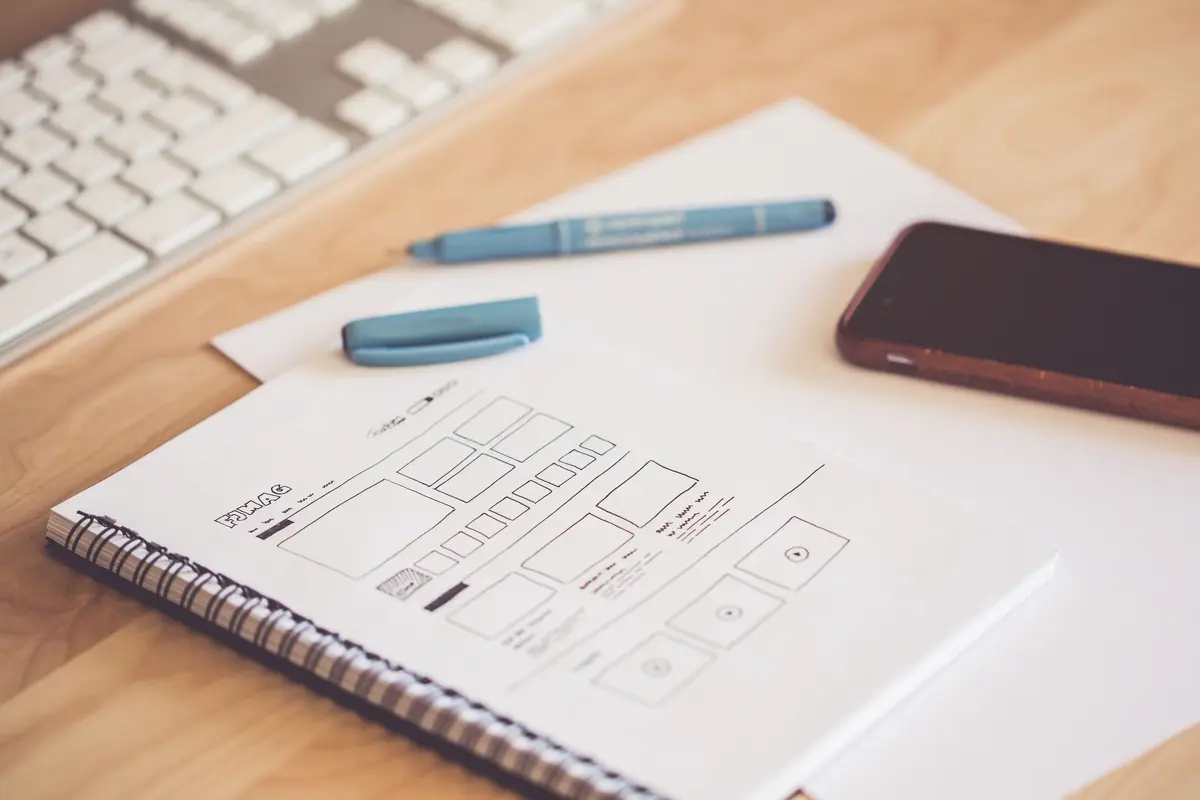
- Sitemap and wireframes. Simple layouts come before colour and images. Approve the structure first.
- Design, then build. Changes are cheapest at the design stage and most expensive after the build.
- Testing and launch. Check every form, phone link and page on your own phone before it goes live.
Where we fit
We’re part of the Next Level Creative family. 21 Designs designs and builds the site, Next Level Creative helps you market it, and we host and maintain it once it’s live. See how it works on our page about design and marketing from the Next Level Creative family.
Frequently asked questions
How long should a website design brief be?
Two or three pages is usually enough for a small business site. Clear answers matter more than length. A one-page brief that names the goal, the audience, the pages, the budget and the deadline is better than ten pages of general ideas.
Should I tell a web designer my budget?
Yes. A range lets the designer suggest what’s achievable for that money, rather than quoting an ideal site you can’t afford. It also makes quotes from different designers easier to compare, because they’re working to the same limits.
What’s the difference between a brief and a quote?
The brief is what you write: your goals, needs and limits. The quote, or proposal, is the designer’s answer: what they’ll build, how and for how much. A clear brief produces quotes you can compare line by line.
Who should own my website once it’s built?
You should. Make sure the agreement says you own the design, the content and the domain once the invoice is paid. Without that, the designer may keep the rights, which can make it hard to move hosts or hire someone else later.
Can I write the brief if I’m not technical?
Yes. Designers need to know about your business, your customers and your goals, which you know better than anyone. Answer the technical questions as best you can and mark the rest “not sure”. A good designer will fill the gaps with you.
Sources
- Desktop vs mobile vs tablet market share, Australia, StatCounter, October 2026
- Web Vitals, web.dev (Google)
- WCAG 2 Overview, W3C Web Accessibility Initiative
- Intellectual property and contracts, Business Queensland