Home / Maintenance / WooCommerce maintenance
Maintenance
WooCommerce maintenance that protects every sale
A broken checkout doesn’t send an error message. It just quietly stops making money. We test it, watch it and fix it, so you can keep selling.

The short answer
WooCommerce maintenance is ongoing care for online stores: updating WooCommerce and its extensions safely, testing checkout and payments afterwards, frequent backups so orders aren’t lost, and security against card skimming and account takeovers. Our Elite plan, at $120 a month + GST, is built for stores.
Store-specific maintenance
Checkout testing
After updates, we check the cart, checkout and payment flow still work.
Gateway checks
We watch your payment gateway connection, so payments don't silently fail.
Database care
Old sessions, logs and revisions are cleared, keeping the store fast.
Frequent backups
Hourly backups on Elite, so a restore doesn't cost a day of orders.
Security for online stores
Stores are targeted for a reason: they handle payments and customer accounts. The most damaging attacks inject card skimmers into checkout pages or take over customer accounts with stolen passwords.
We keep WooCommerce and its extensions up to date, monitor for file changes, protect logins and watch for suspicious admin accounts. If something does get through, see our hacked website repair service.
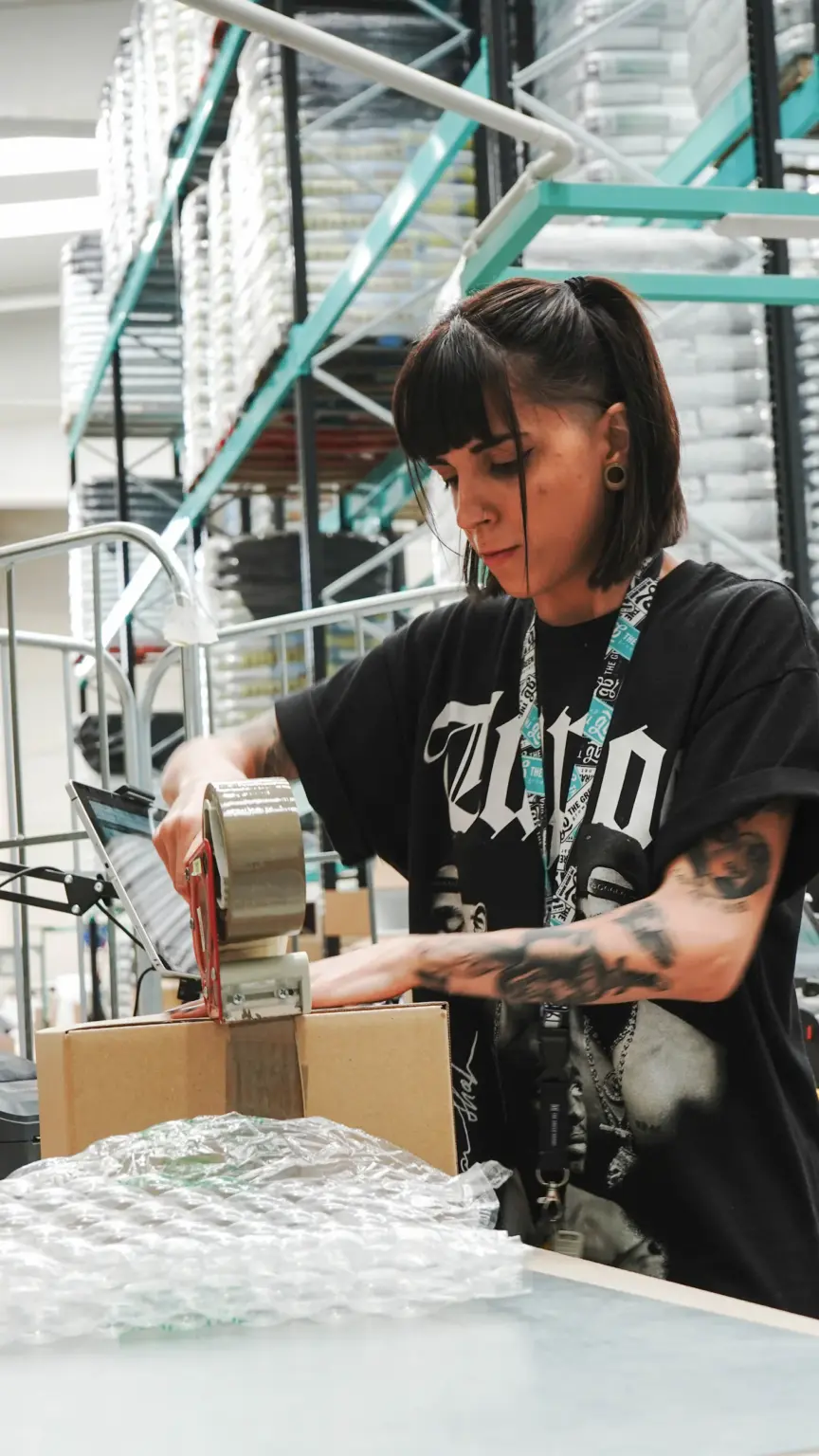
Getting ready for sale season
Australians spent $82.6 billion online in 2025. Make sure your store is ready for its share.
Step 1
Plan early
Tell us your sale dates so updates are done well before, not on the day.
Step 2
Test under load
We check your slowest pages and recommend fixes or extra resources.
Step 3
Freeze changes
No risky updates during the sale, unless it's an urgent security fix.
Step 4
Watch closely
Uptime and checkout are monitored, with 24/7 emergency help on call.
Maintain & Protect plans
Elite is designed for stores. Smaller shops can start on Advantage.
Pair maintenance with WooCommerce hosting for a fast, well-looked-after store.
Protect your online store
Elite includes checkout checks, hourly backups and repairs when you need them.
Emergencies, 24/7: 0426 833 422
WooCommerce maintenance FAQs
How often should a WooCommerce store be maintained?
Weekly checks at least, with security fixes weekly and routine updates monthly, and checkout tested after each one. Busy stores need more frequent backups.
Will updates break my checkout?
They can. That’s why we back up first, test checkout afterwards and fix or roll back if anything’s wrong.
Do you look after WooCommerce extensions and payment plugins?
Yes, including premium extensions, as long as you have current licences.
How do I know if my checkout is broken or customers just abandon carts?
Run a test order. If it fails, it’s broken. If it works, look at shipping costs, forms and speed. We can help you check.
Which plan suits an online store?
Elite, for most stores. It adds checkout checks and more frequent backups.
WooCommerce maintenance guides
Practical guides from our blog on the same topic.

Maintenance
WooCommerce Updates Without the Panic: Testing Checkout Before It Breaks
A WooCommerce update can break checkout. Here's a calm routine: what to check first, how to test on…
Read article →
Maintenance
Abandoned Carts or a Broken Checkout? How to Tell the Difference
WooCommerce checkout not working, or just shoppers leaving? How to test your checkout properly, read failed orders and…
Read article →
Maintenance
Website Security for Online Stores: Protecting Card Data and Customer Accounts
Ecommerce website security for WooCommerce stores: stop card skimmers, account takeovers and card testing with six practical layers…
Read article →