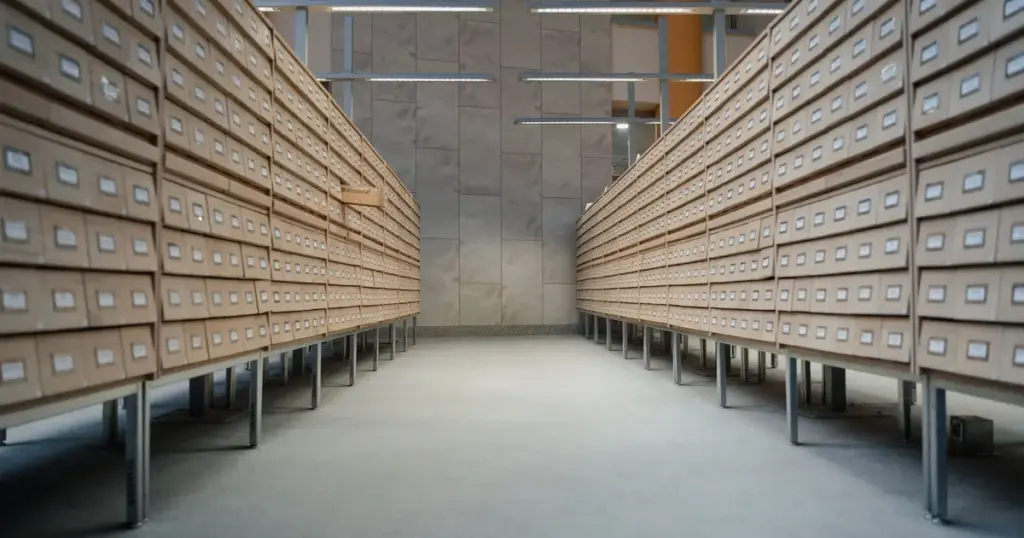
Backup retention is how long you keep old copies of your website. Seven days isn’t enough, because website malware often sits unnoticed for weeks, and by the time you find it every backup in a 7-day window is already infected. Keep at least 30 days of daily backups, and ideally monthly copies for longer, so a clean version still exists when you need it.
Key takeaways
- How often you back up and how long you keep backups are different settings. Both matter.
- Hacks are often found weeks after they start, so short retention can leave you with no clean copy.
- Aim for 30 days of daily backups, plus monthly copies kept for 6 to 12 months.
- Store old copies away from the server, where an attacker can’t delete them.
What is backup retention?
Retention is the length of time each backup is kept before it’s deleted to make room for new ones. A host that backs up daily and keeps 7 copies gives you one week of history. Back up hourly with the same 7-day retention, and you have more copies but still only one week to go back to.
Frequency decides how much recent work you could lose. Our guide to how often you should back up your website covers that side. Retention decides how far back you can go, and that’s what matters when the problem started a while ago.
Why isn’t 7 days of backups enough?
Because website infections are built to stay hidden. Some only show spam to Google, not to you. Google’s own clean-up guide warns that hackers “will try to trick you into thinking the page is gone or fixed when it’s still hacked”. It tells owners to look for files modified within a few months of discovering the hack (web.dev).
Attackers also plant ways back in. Sucuri found backdoors on 49% of compromised sites, and malicious admin users in 55% of infected databases (Sucuri). Those cause no visible symptoms until they’re used.
Across larger organisations, Mandiant’s investigators found attackers went undetected for a median of 14 days in 2025, up from 11 the year before (Google Cloud). Those businesses usually have security teams watching. A small business website often has nobody looking at all.
How long should you keep website backups?
There’s no single rule, but this layered approach suits most small business sites. It’s a simple version of the grandfather-father-son scheme, where frequent copies are kept briefly and occasional copies are kept for longer (Backblaze).
| Copy | Keep for | Why |
|---|---|---|
| Daily (or more often for shops) | At least 30 days | Undo recent mistakes, failed updates and most hacks |
| Monthly | 6 to 12 months | A clean fallback if something hid for longer |
| Before major changes | Until the change is proven | A known-good point before a redesign or big update |
Online stores need both: frequent copies, because orders change hourly, and long retention, because card-skimming code is designed to go unnoticed.

Can you just restore an older backup after a hack?
Yes, but with care. Restoring a clean copy from before the infection removes the malware, but it also brings back whatever let the attacker in, such as an outdated plugin. Update everything and change all passwords straight after the restore, or expect to be hacked again.
An older restore also loses newer content, orders and form entries. Export those first. If you can’t tell which copy is clean, or none is, you need a proper clean-up. Our hacked website repair service finds the backdoors and fake users, not just the visible damage. Our guide to restoring a website from backup explains how to choose a restore point.
Where should older backups be stored?
Off the server, and ideally where the website can’t change or delete them. Attackers know backups are their main obstacle. Mandiant reports they are “actively deleting backup objects from cloud storage” during ransomware attacks. Our article on ransomware and small business websites covers that risk.
A host’s server snapshot is useful, but it often lives on the same system and is kept briefly. Learn the difference between a website backup vs snapshot before relying on one.

What should you ask your host or maintenance provider?
- How long are backups kept, and is that daily copies only?
- Are any copies kept for longer, such as monthly?
- Where are they stored, and could someone with access to my site delete them?
- How quickly would you notice an infection?
- When did you last test a restore?
The fourth question matters as much as retention. The sooner an infection is found, the less history you need. Daily malware scanning and file monitoring shrink the gap between infection and discovery.
How we handle backup retention
Our website backups you can restore are stored off-site and kept for 30 days on every Maintain & Protect plan. Essentials backs up daily, Advantage four times a day and Elite hourly. Every plan includes daily malware scanning and blacklist monitoring, so problems surface early. Compare the tiers on our website maintenance plans page.
If your business needs copies kept longer, talk to us about it before you need them.
Frequently asked questions
What is a backup retention policy?
It’s the rule for how long each backup is kept before it’s deleted. A good policy keeps frequent copies for a few weeks and some older copies for months, so you can recover both from yesterday’s mistake and from a problem that started long before anyone noticed it.
How long should I keep website backups?
For most small business sites, keep daily backups for at least 30 days, plus monthly copies for 6 to 12 months. Keep a separate copy before any redesign or major update. Sites with legal record-keeping needs may need longer, so check what applies to your industry.
Are my backups infected if my site was hacked?
Any backup taken after the infection started will contain it. The problem is knowing when that was. Check file modification dates, new admin users and security logs, or have a professional compare backups. Restoring an infected copy just puts the malware back.
Is my host’s 7-day backup enough?
It’s better than nothing, and fine for undoing a bad update yesterday. It’s not enough for a hack that went unnoticed for weeks, and it’s usually stored on the host’s own systems. Add your own off-site backups with longer retention.
Doesn’t keeping more backups cost a lot?
Less than you might think. Many small business sites are only a few gigabytes, and older copies can be compressed or kept monthly rather than daily. The cost of storage is small next to rebuilding a site from scratch because every copy was infected.



Sources
- Fix the Japanese keyword hack, web.dev (Google)
- 2023 Hacked Website and Malware Threat Report, Sucuri, June 2024
- M-Trends 2026: Data, insights and strategies from the frontlines, Mandiant (Google Cloud), 24 March 2026
- Better backup practices: what is the grandfather-father-son approach?, Backblaze