If you can’t log in to WordPress, the cause is usually one of five things: a forgotten password, a reset email that never arrives, a login page that keeps sending you back, a security plugin that’s locked you out, or, less often, a hack that changed your account. Each has a straightforward fix. Start with the simplest and work down the list.
Key takeaways
- Try the “Lost your password?” link first, and check the spam folder for the reset email.
- If the login page just reloads, clear cookies and check the site address settings.
- Security plugins can block your IP after a few wrong guesses. Waiting or switching networks often clears it.
- You can reset a password through your hosting panel’s database tool if email fails.
- If your admin account has vanished or changed, treat it as a possible hack.
1. You’ve forgotten your password
Click “Lost your password?” on the login page and enter your username or email. WordPress sends a reset link to the email on your account. The WordPress password reset guide covers the details.
Check your spam folder. If nothing arrives within ten minutes, go to the next section.
2. The reset email never arrives
Many WordPress sites can’t send email reliably, because they send straight from the web server without proper authentication. Mail providers often reject those messages. You have two ways around it:
- Ask a colleague with admin access to reset your password from Users in the dashboard.
- Reset it in the database. In your hosting panel, open phpMyAdmin, find the
wp_userstable (the prefix may differ), edit your user, and setuser_passto a new password using the MD5 function. WordPress upgrades the stored password to a stronger format the next time you log in.
Afterwards, fix the root cause by sending site email through an authenticated mail service. Otherwise your contact form emails are probably going missing too.
3. The login page keeps reloading
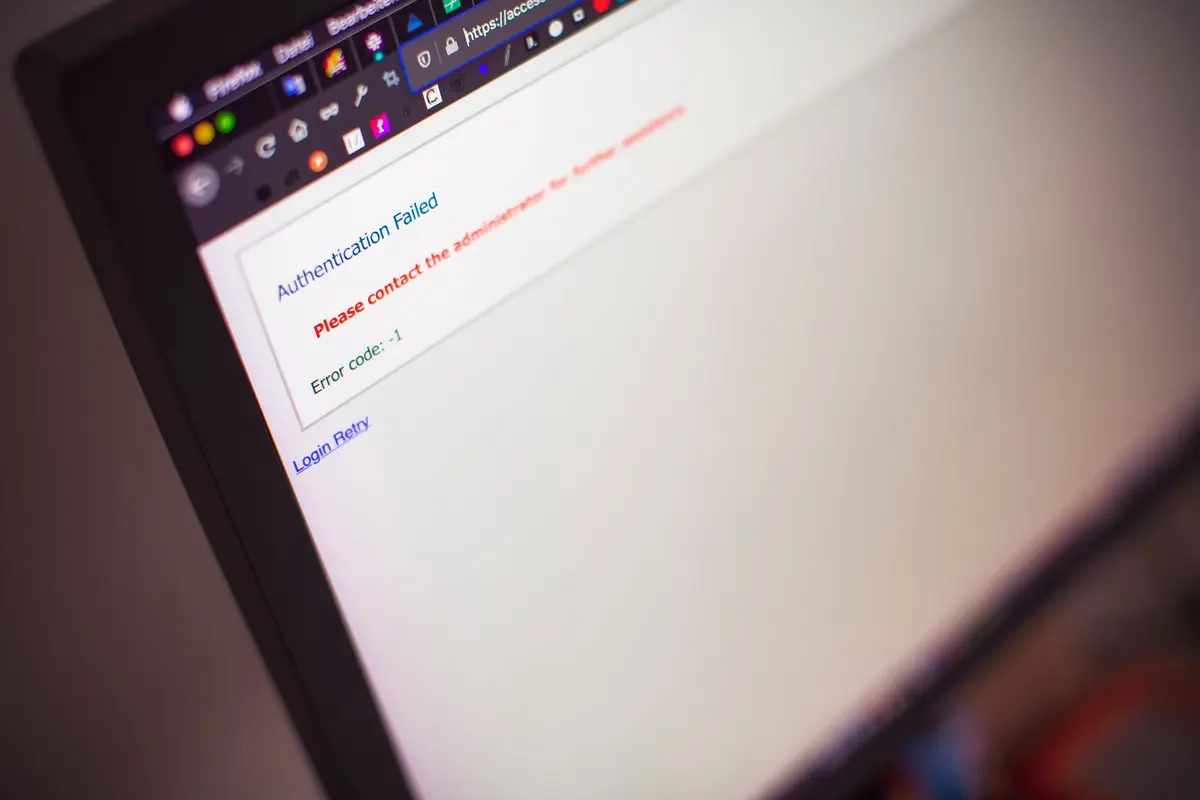
You enter correct details, the page refreshes and you’re back at the login form. Common causes:
- Browser cookies. Clear cookies for your site, or try a private window.
- Wrong site address. If the WordPress Address and Site Address don’t match (for example, http vs https, or www vs non-www), WordPress can’t keep you logged in. You can set them in
wp-config.phpwith theWP_HOMEandWP_SITEURLsettings. - Caching on the login page. Exclude
wp-login.phpand/wp-adminfrom page and CDN caching. - A plugin conflict. Rename the
wp-content/pluginsfolder to test.
If the browser says “too many redirects” instead, see our ERR_TOO_MANY_REDIRECTS fix.
4. A security plugin has locked you out
Login protection is a good thing. Wordfence blocked more than 55 billion password attacks on WordPress sites in 2024 (Wordfence). But a few wrong guesses can block your own IP address too.
- Wait for the lockout to expire, usually 15 to 60 minutes.
- Try from a different network, such as your phone’s data.
- As a last resort, rename the security plugin’s folder to disable it, log in, then switch it back on and add your IP to its allow list.
5. The page is blank or shows an error
If /wp-admin shows a white page or a “critical error”, the problem is the site, not your password. See our guide to the WordPress white screen of death. If it says “Error establishing a database connection”, follow our database connection fix.
Could I have been hacked?
Possibly, if any of these apply:
- Your username or email has changed, or your account has disappeared.
- There are admin users you don’t recognise.
- Your site redirects to spam or shows content you didn’t add.
Sucuri found malicious admin users in 55% of the infected databases it cleaned (Sucuri). Attackers often lock owners out to keep control. Don’t just reset your password and move on. Remove unknown users, change every password (including hosting and database), and get the site properly cleaned. Our fast WordPress repairs team handles hacked sites.
How do I avoid getting locked out again?
- Use a password manager, and give every admin their own account.
- Turn on two-factor authentication for admins.
- Make sure site email is authenticated, so reset emails arrive.
- Keep a second admin account for emergencies, with a strong password stored safely.
Our website maintenance plans include login protection and monitoring, and our website support team can help with access problems any time.
Frequently asked questions
What is the default WordPress login URL?
Usually yoursite.com.au/wp-admin or yoursite.com.au/wp-login.php. Some security plugins change it, so check with whoever set the site up.
Why does WordPress say my password is incorrect when it isn’t?
Check caps lock and whether you’re using your username or email. If it still fails, reset it. Your account details may have been changed.
Can my host reset my WordPress password?
Many hosts can, or can show you how to use the database tool. Your web developer or maintenance provider can usually do it quickly too.
Is it safe to reset my password in phpMyAdmin?
Yes, if you edit only the user_pass field and choose MD5. Take a database backup first in case anything goes wrong.
How do I stop brute-force login attempts?
Use strong unique passwords, two-factor authentication and login rate limiting, ideally with a web application firewall in front of the site.


Sources
- Resetting your password, WordPress.org Documentation
- 2024 Annual WordPress Security Report, Wordfence, April 2025
- 2023 Hacked Website and Malware Threat Report, Sucuri, June 2024