Yes. Every website needs an SSL certificate, including simple brochure sites with no online shop. SSL encrypts the connection between your site and each visitor, turns the address into https:// and stops browsers labelling your site “Not secure”. It’s also a small Google ranking signal. On good hosting it costs nothing and renews itself.
Key takeaways
- SSL (now technically TLS) encrypts data sent between a browser and your website.
- Chrome has marked every plain http:// site “Not secure” since 2018.
- Any page with a form needs SSL, because the form sends personal details.
- Google has used HTTPS as a ranking signal since 2014.
- Certificate lifetimes are shrinking, so automatic renewal is now essential.
What is an SSL certificate?
An SSL certificate is a small data file on your web server. It proves your website is really yours, and it lets the browser set up an encrypted connection. Once it’s working, your address starts with https:// and the browser shows a padlock or similar icon.
Strictly speaking, the technology is now called TLS. “SSL” stuck as the everyday name, so you’ll see both.
What happens if my website doesn’t have SSL?
Several things, and none of them good:
- “Not secure” warnings. Chrome began marking all http:// pages as “Not secure” in July 2018, as the Chromium project set out. Other browsers followed.
- Exposed form data. Names, emails, phone numbers and messages travel in plain text, readable on shared Wi-Fi.
- Lost trust. A warning beside your name on the first visit undoes a lot of good marketing.
- Weaker search performance. Google announced HTTPS as a ranking signal in 2014 (Google Search Central).
- Broken features. Modern browser features, such as location and some payment tools, only work over HTTPS.
My site doesn’t sell anything. Do I still need it?
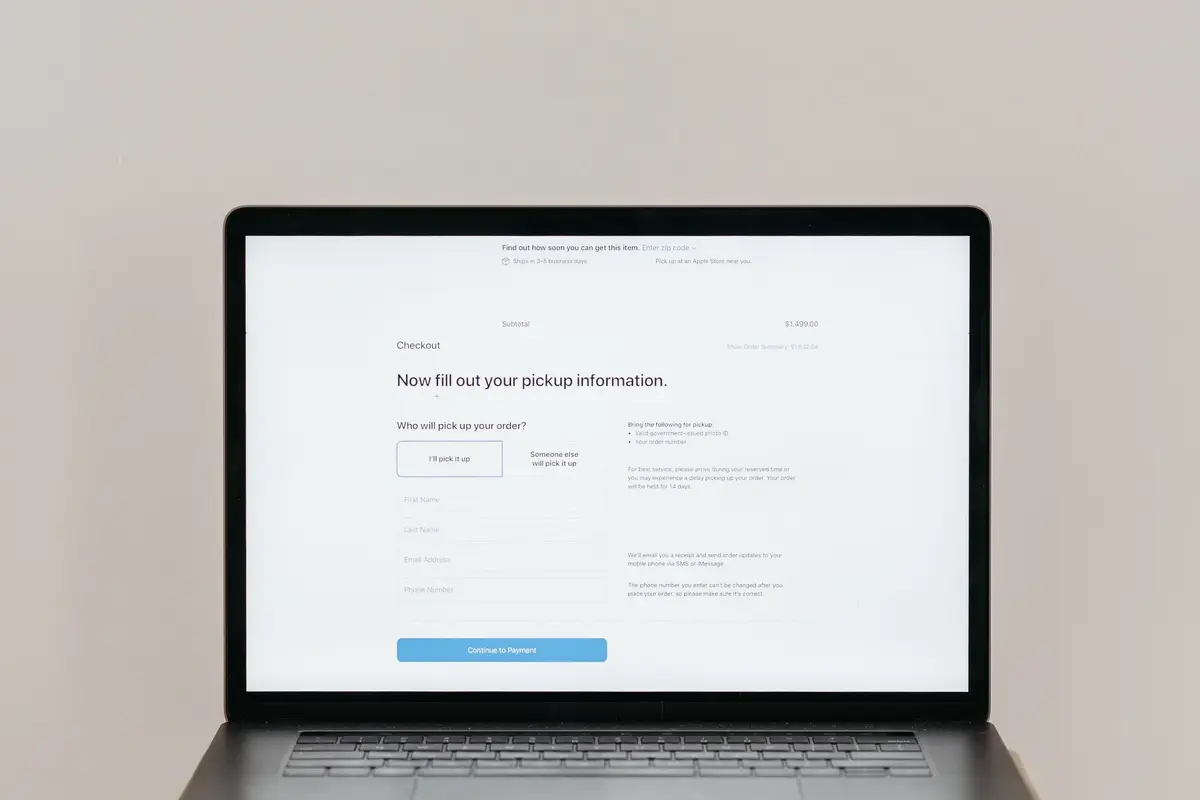
Yes. If your site has a contact form, a quote request or a newsletter signup, it collects personal information. Australians care about that. The OAIC found 82% of Australians are concerned about data breaches (OAIC). Even without a form, the “Not secure” label alone puts visitors off.
Should I pay for an SSL certificate?
For most small businesses, no. Free certificates from Let’s Encrypt give the same encryption as paid ones. Let’s Encrypt is a non-profit certificate authority that issues and renews certificates automatically.
| Type | What it checks | Who needs it |
|---|---|---|
| Domain validated (DV) | You control the domain | Almost every small business site |
| Organisation validated (OV) | The business behind the domain is real | Some corporate or government suppliers |
| Extended validation (EV) | Detailed checks of the organisation | Rarely needed now; browsers no longer show it prominently |
Paid certificates make sense mainly when a contract or a payment provider specifically asks for one.
Why does automatic renewal matter now?
Certificates expire on purpose. In April 2025, the CA/Browser Forum, which sets the rules for certificate authorities, voted to shorten their lifetime in stages (CA/Browser Forum ballot SC-081v3):
- From 15 March 2026: a maximum of 200 days.
- From 15 March 2027: a maximum of 100 days.
- From 15 March 2029: a maximum of 47 days.
Renewing by hand every few weeks isn’t realistic. If your certificate renews manually, it will eventually lapse and your visitors will see a full-page warning. Our guide to fixing an expired SSL certificate covers what to do if that happens.
How do I check my site’s SSL?
- Type your address with http:// and check it switches to https:// on its own.
- Click the icon beside the address to see who issued the certificate and when it expires.
- Load a few inner pages and forms. They should all show https:// too.
- Look for “mixed content”. If images or scripts still load over http://, the browser may show a warning. Our guide to the “website not secure” warning explains the fix.
What comes with our hosting
Every plan on our hosting plans page includes free SSL certificates that install and renew automatically, including for redirect domains. SSL is one part of what we mean by secure web hosting, alongside firewalls and account isolation.
Frequently asked questions
Is SSL the same as HTTPS?
Nearly. SSL (or TLS) is the technology. HTTPS is what you get when a website uses it. The certificate is what makes HTTPS possible.
Are free SSL certificates safe?
Yes. A free Let’s Encrypt certificate uses the same encryption as a paid one. Paid certificates add identity checks or warranties, not stronger encryption.
Does SSL stop my website being hacked?
No. SSL protects data in transit between the browser and the server. It doesn’t protect the website itself from out-of-date plugins or weak passwords.
How long does an SSL certificate last?
Since March 2026, no more than 200 days, falling to 47 days by 2029. Free certificates usually last 90 days and renew automatically.
Will adding SSL change my Google rankings?
HTTPS is a small ranking signal. The bigger gain is trust: no warnings, more form submissions and fewer visitors leaving straight away.

Sources
- Marking HTTP as non-secure, The Chromium Projects
- HTTPS as a ranking signal, Google Search Central, August 2014
- Ballot SC-081v3, CA/Browser Forum, April 2025
- How it works, Let’s Encrypt
- Data breach notifications increase to all-time high in 2025, OAIC